OnlyPro Studio
Write a brief, pick your own pictures as references, and Studio makes new still images. Every image is saved to your private library.

Gallery
Made with Studio
Each image was made by Studio from one written brief, with no reference picture. The caption is the brief.
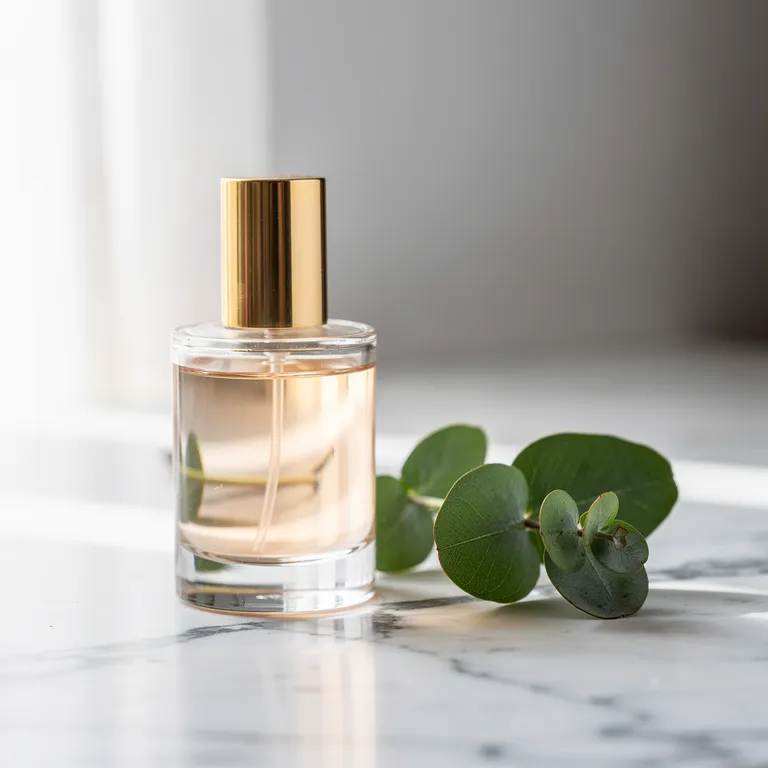
A glass perfume bottle on marble with eucalyptus, in soft window light 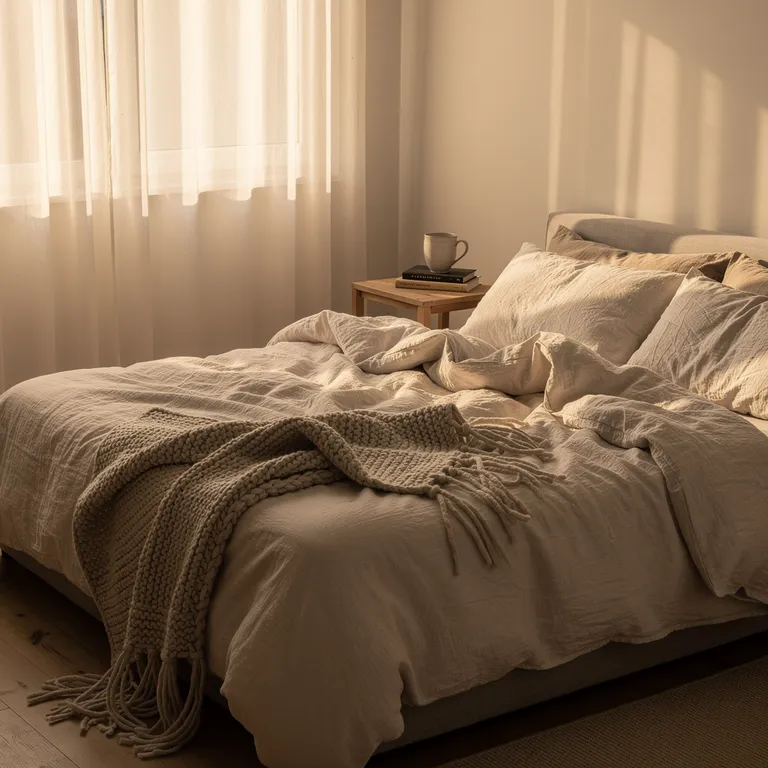
A cozy bedroom with linen sheets in warm morning sun 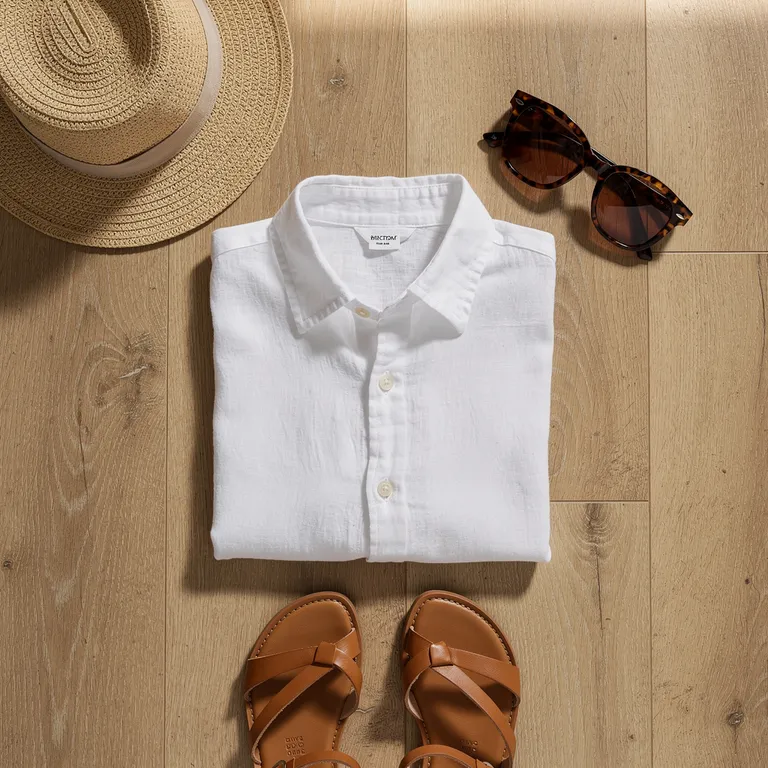
A summer outfit laid flat on an oak floor 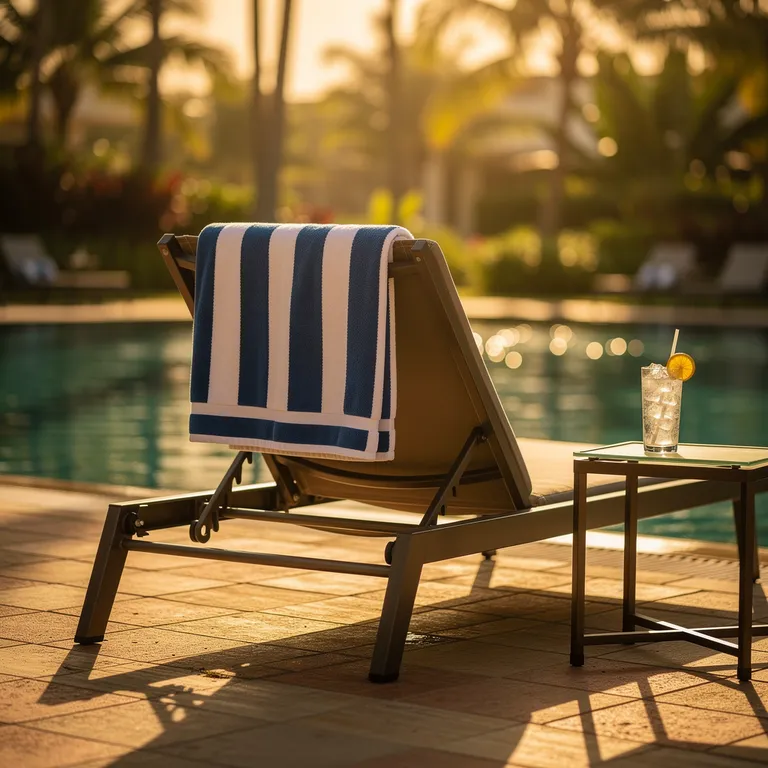
A poolside lounger with a striped towel at golden hour 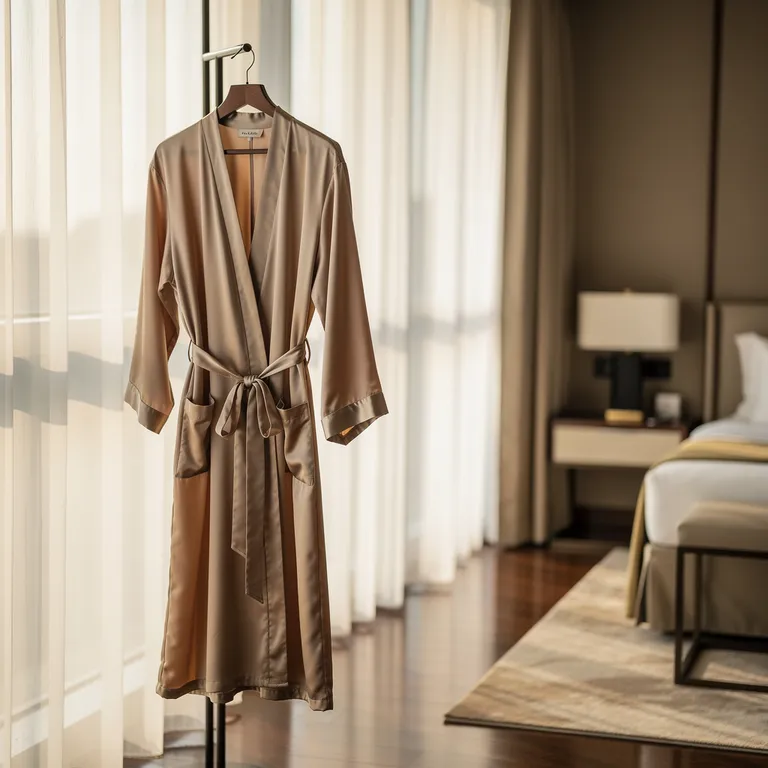
A silk robe by the window of a hotel suite 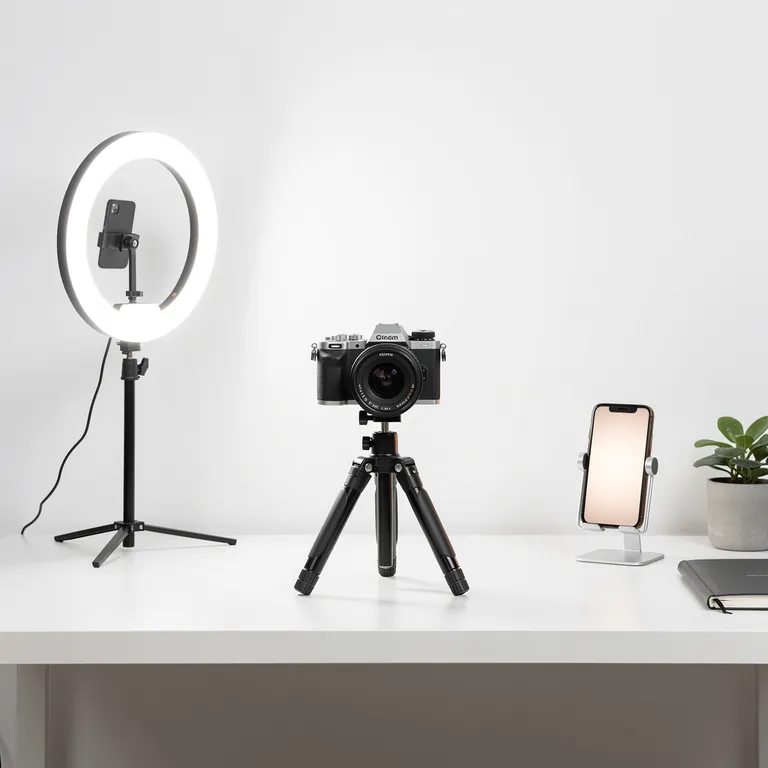
A creator desk with a ring light, camera and phone 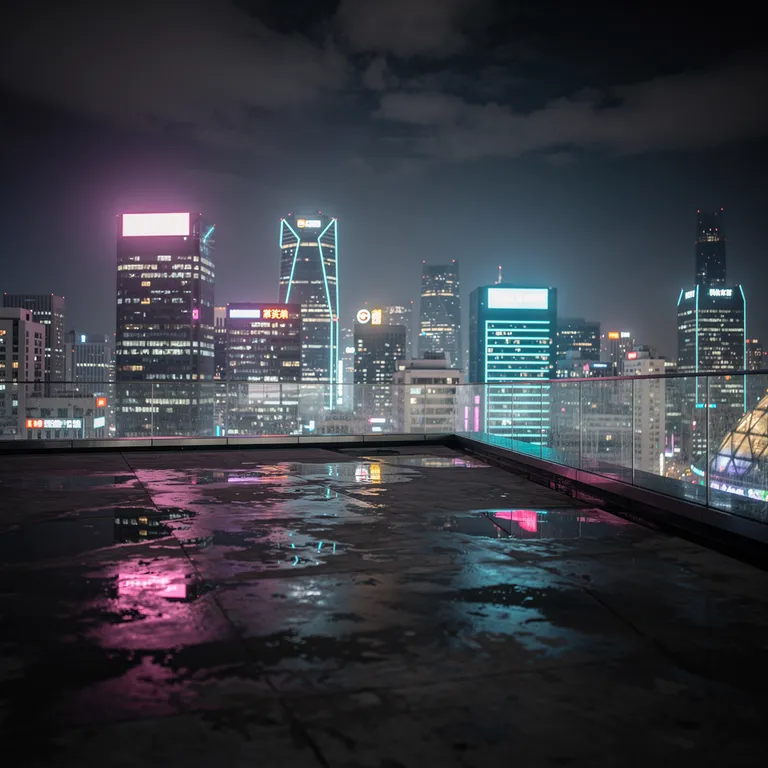
A rooftop at night over a neon city skyline 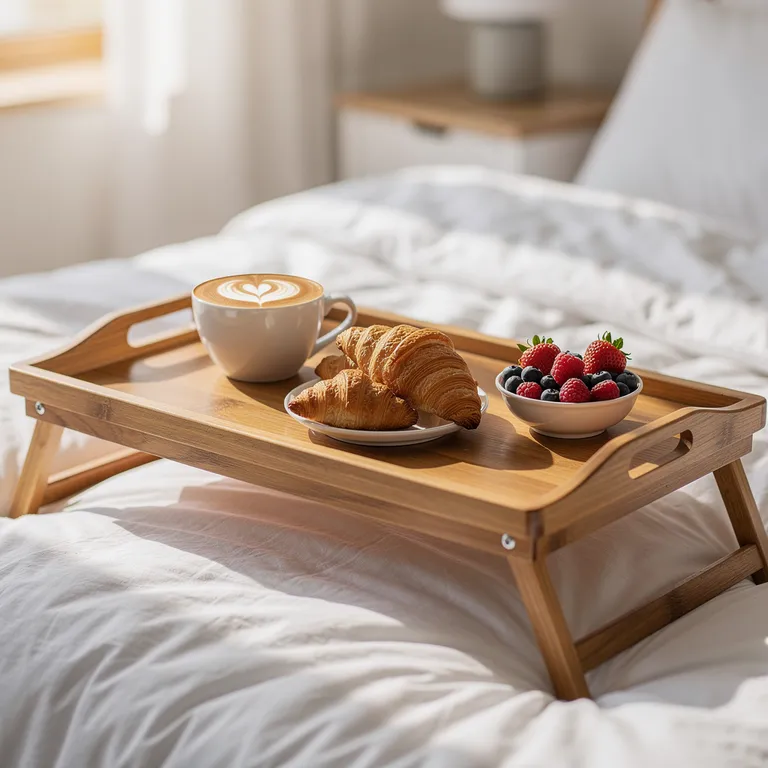
Breakfast in bed with coffee, croissants and berries 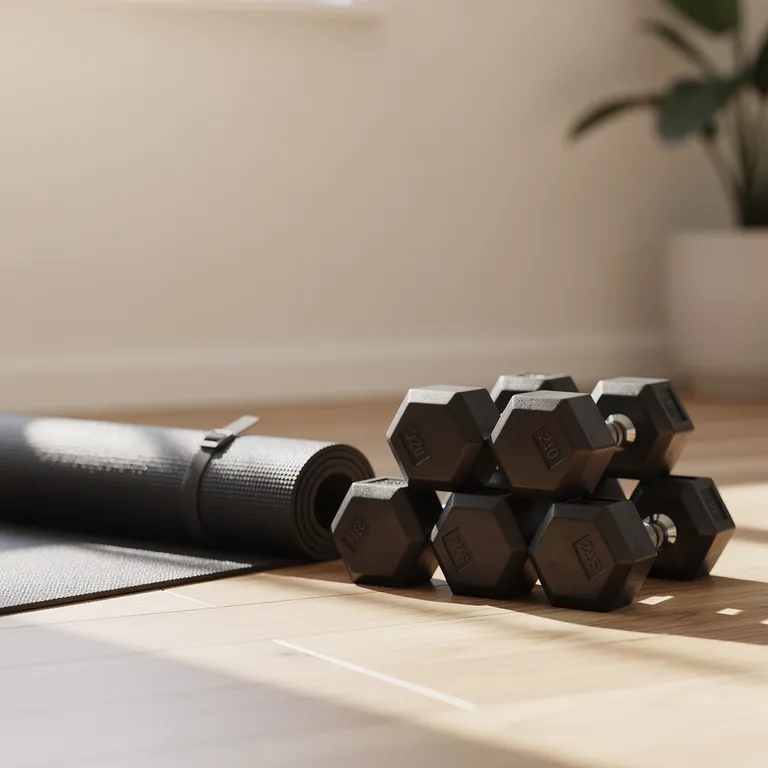
A sunlit home gym corner with dumbbells and a yoga mat 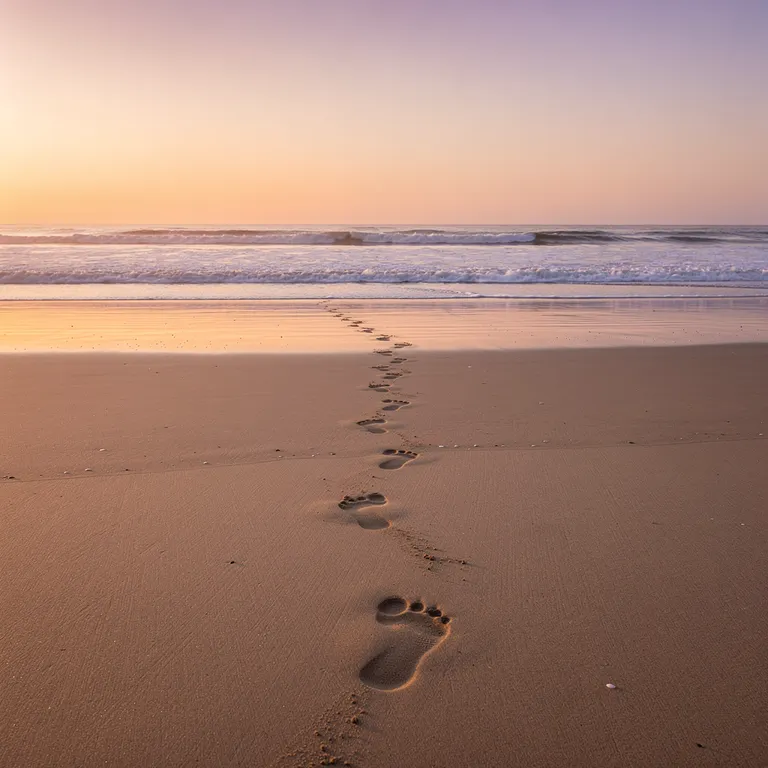
An empty beach at sunset with footprints in the sand
From brief to library
A brief, one click on Create, and the new image in the library.
A real recording of one image made in Studio. Typing runs at double speed and the wait at five times speed.
How It Works
From a brief to a finished set
- 1
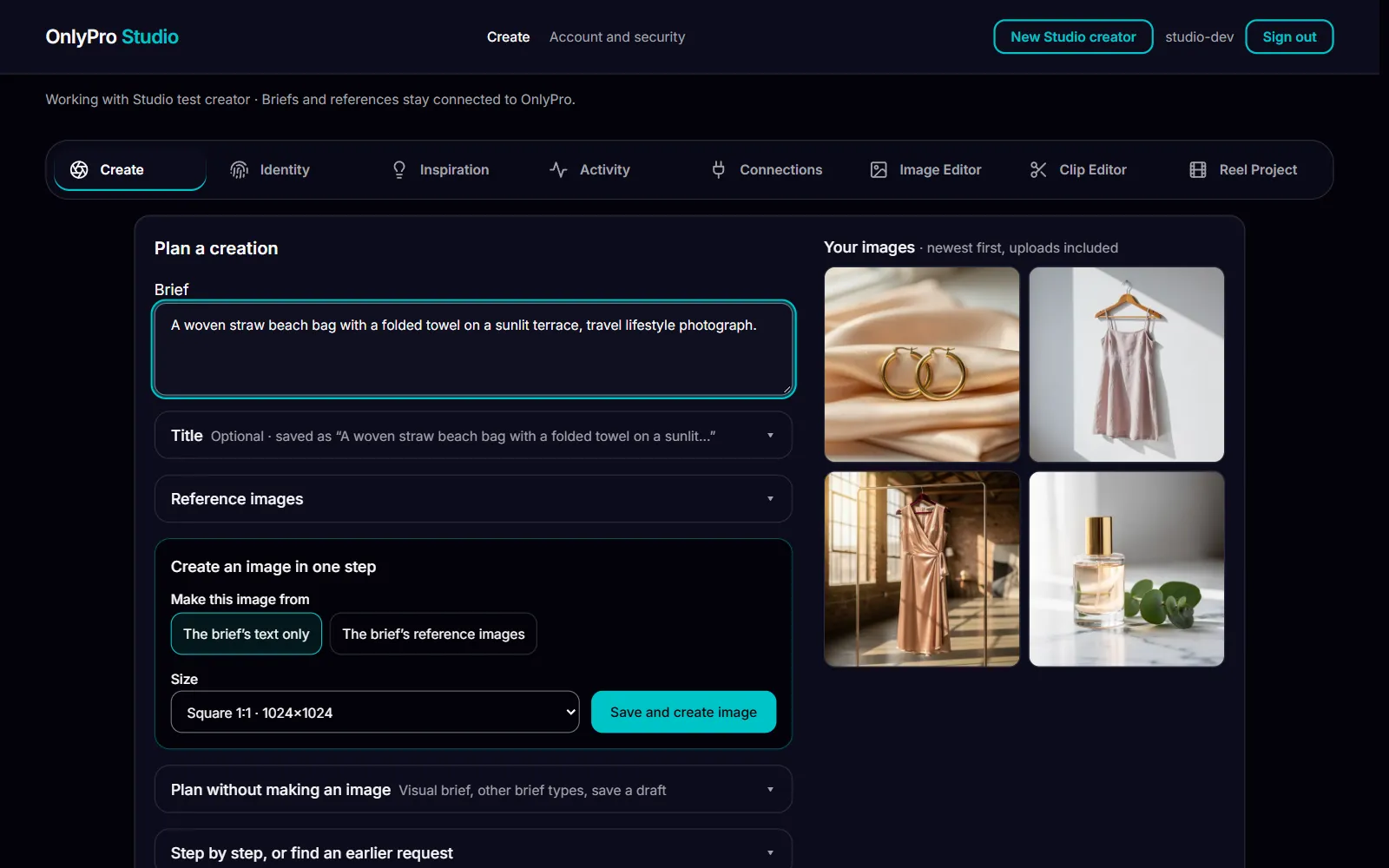
Write a brief
Say what you want in plain words: the setting, the outfit, the mood. Optionally pick pictures from your own library to guide the look.
- 2
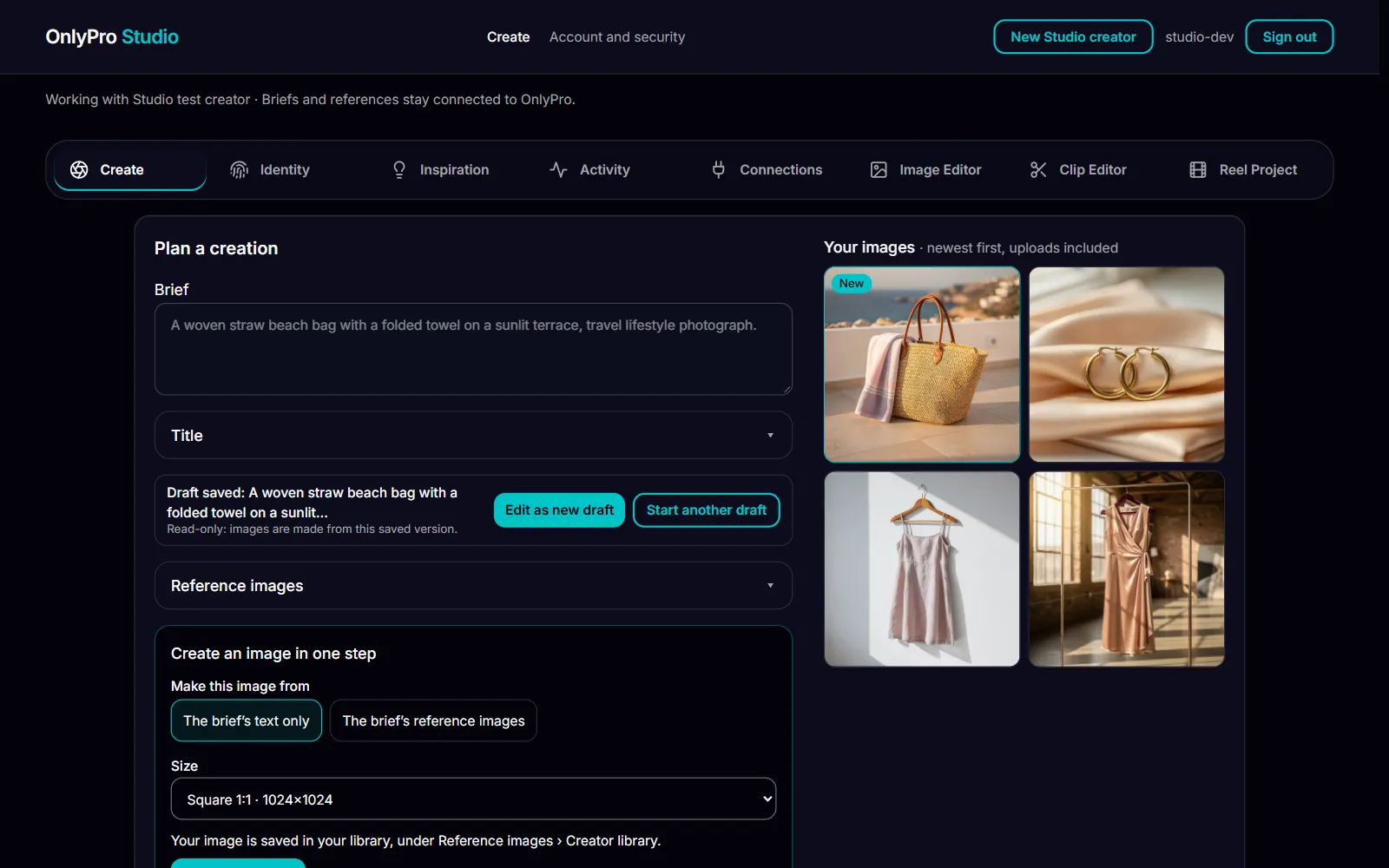
Click Create
Nothing is charged before you do. Studio makes a new still image from your brief, and it lands first in Your images, marked New, so you never hunt for it.
- 3
Keep and edit
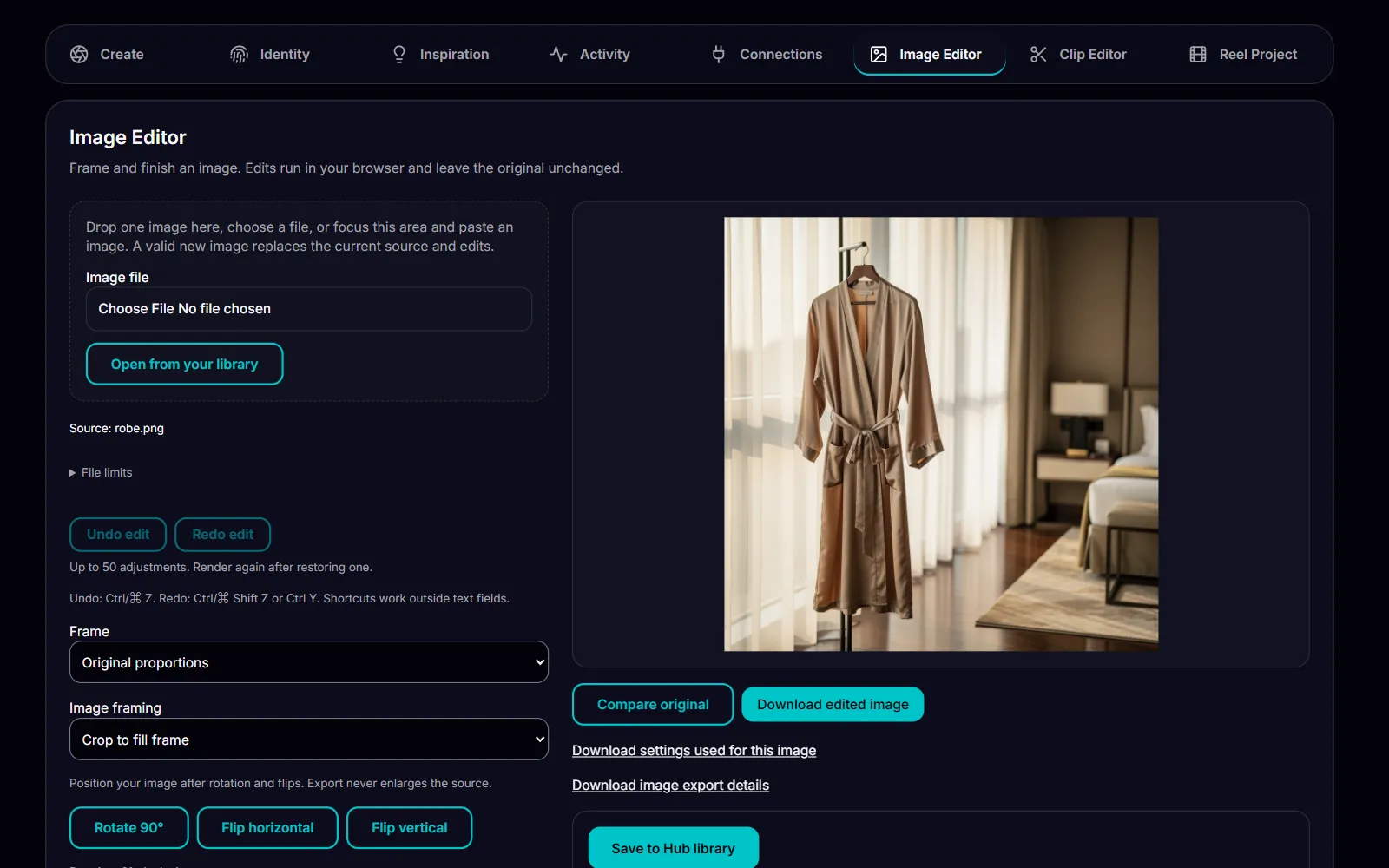
Every image lands in your private library. Frame and finish it in the editor, group a set into a collection, or use it as the reference for the next one.


What Studio promises
Only your likeness
References come only from your own pictures, confirmed as yours or showing no person. Studio never uses another person's face and never scrapes social profiles.
A private library
Everything you make stays in your own library, private to you and your agency, with search and collections to find it again.
Nothing charged before Create
You see the brief before anything runs. The image provider's own content checks stay on for every image.
You decide what posts
Studio never posts anywhere for you. It makes and stores, and you choose what to publish.
Pay as you go
Pay as you go from your OnlyPro balance. You see the price of each image before you make it, and nothing is charged for a request that fails.
Top up with crypto.
What OnlyPro Studio does
OnlyPro Studio is where a creator makes fresh still images between shoots, without booking a shoot or learning a new tool for every step. A creator identity profile helps keep results consistent from one image to the next, and the image editor handles framing and finishing, so nothing has to leave Studio before it is ready. For video, Studio works with clips the creator already has: trim a clip, export it, or arrange several clips into a reel in the order they choose. Making new video from a brief is not part of Studio today. Studio is available to OnlyPro clients first.
It suits a creator who posts often. Plan a week of posts as one collection, make the set from a single brief, and pick an older image as the reference when you want the next set to match. The library grows with every set, and search and collections keep it easy to work with, so nothing good gets lost in a camera roll.